今天晚上,在方家,妈妈做了很多菜,还做了饺子。爸爸、妈妈和弟弟方天都在家,姐姐方美月还没有回家。
方天说:“妈妈,我想吃饭!”
妈妈说:“现在不要吃,姐姐还没有回家呢。”
方天问:“姐姐几点下班?”
妈妈说:“八点。”
方天说:“现在八点四十了,她怎么还没有回家?”
A quiet Chinese Reader with native-speaker Mandarin voices, synchronized highlighting, and just enough help to keep you moving.
The real Reader. Press play, tap any word, or tap Aa for pinyin.
There are no streaks, badges or ads in HSKStory. You open a chapter, press play, and read; every other control stays one tap away until you want it.
01
Two native-speaker Mandarin voices, Luna and Kai, read every chapter while each word lights up in sync. Playback runs from 0.5× to 2×.
02
Off, Smart, Subtle, or Full pinyin. Smart shows pronunciation only for words above the story's level. Works in Simplified and Traditional Chinese.
03
Tap any word for pinyin, definitions, its HSK level, measure words, and a sentence translation. Looked-up words save to your vocabulary automatically, ready for FSRS spaced-repetition flashcards.
Shadowing means repeating native audio right after you hear it. Switch the player to Trainer and the audio pauses after every sentence for 3, 5 or 8 seconds, or until you press play, while you say it aloud. Jump back to run a hard line again.
Start with full pinyin, switch to Smart Pinyin for unfamiliar words, then turn it off. Your text size, font, theme, character set, reading mode, and audio preferences follow you, and they sync across your devices when you sign in.
All one tap from the story. Set them once and they stay set.
Yes. Every chapter is narrated by native-speaker Mandarin voices (Luna and Kai) with word-by-word synchronized highlighting. Playback speed adjusts from 0.5× to 2×.
Yes. Every story can be read in Simplified or Traditional Chinese, with optional tone colors.
No. Your first story opens without an account. A free account opens all three free stories and syncs your progress.
Yes. There are no ads, streaks, or badges in HSKStory, and no notifications unless you turn on study reminders. The Reader shows the story and an audio bar; settings and definitions appear only when you tap.
Yes. Trainer mode plays one sentence at a time and pauses for 3, 5, or 8 seconds, or until you press play, so you can repeat after the native speaker. Sentence back and forward buttons replay a single line.
Four modes: Off, Smart, Subtle, and Full. Smart mode shows pinyin only for words above the story's HSK level, so help fades as you improve.
Yes. Tap any word to see pinyin, definitions, its HSK level, measure words, alternate readings, and a sentence translation. Looked-up words are saved to your vocabulary automatically, and FSRS spaced-repetition flashcards schedule your reviews, with a configurable daily intake and card direction.
Any modern browser, phone-first. On iPhone, iPad, and Android there are free apps on the App Store and Google Play that add offline story downloads and background audio. On desktop, HSKStory installs from the browser so it works like an app.
Yes, with a free account. Reading progress, saved words, flashcard reviews, and your settings sync across every device you sign in on. Without an account, everything stays on your device.
Yes, and the founder reads it personally. HSKStory is built by one person, Anthony, and is in active development. If something is missing or not working for you, write to anthony@hskstory.com, or use the feedback form once you are signed in.
Or take it with you: the free iPhone and Android app adds offline downloads and background audio.
Every one has word-level pinyin, narrated audio and tap-to-define.
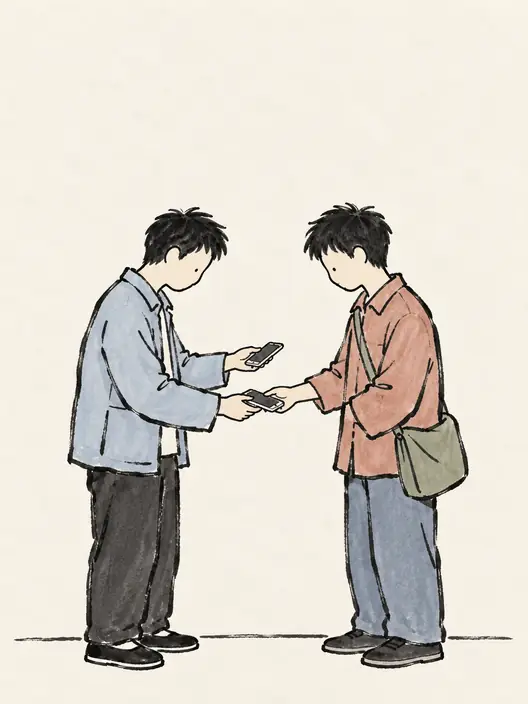
The Wrong Phone
Two classmates take identical phones by mistake and can’t unlock them or answer calls.
3 chapters · audio + pinyin
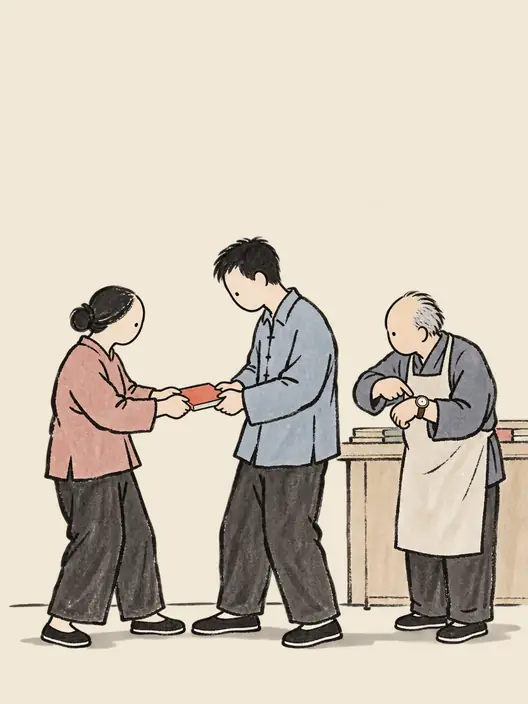
The Book We Both Wanted
Two customers claim one childhood book; a shopkeeper gives them until six to explain why.
4 chapters · audio + pinyin
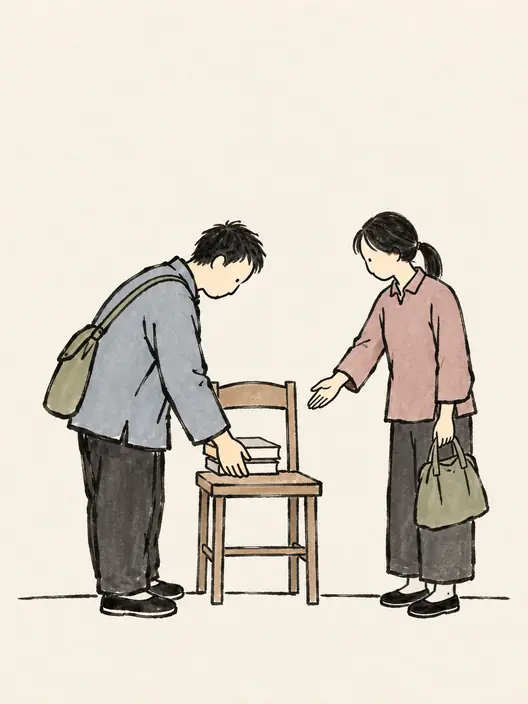
No Seat in the Library
She resents a classmate who keeps saving an empty seat. Then she hears about his sick roommate.
6 chapters · audio + pinyin

Sunrise on Huangshan
Four friends go to see the Huangshan sunrise and get train delays, a storm, and a bad booking.
6 chapters · audio + pinyin
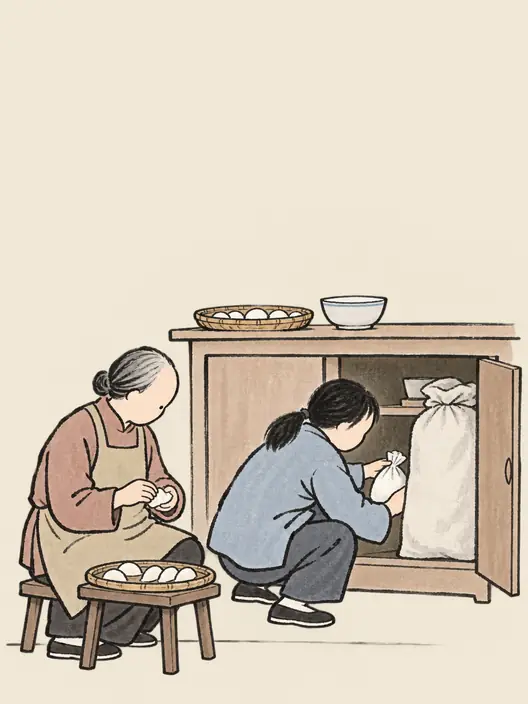
Dumplings or Tangyuan
Her first winter solstice as a wife, and her mother-in-law has hidden the tangyuan flour.
6 chapters · audio + pinyin
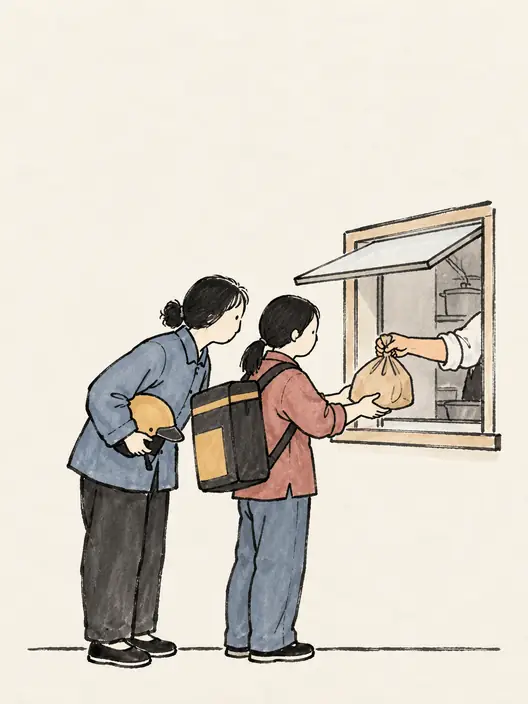
The Kitchen Behind the App
Illness complaints lead an inspector to twelve delivery restaurants sharing four kitchens.
6 chapters · audio + pinyin